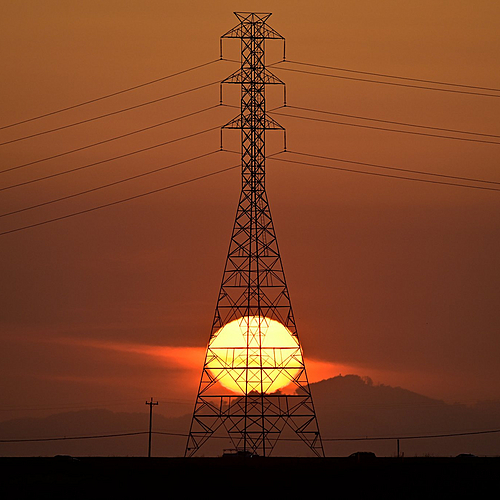
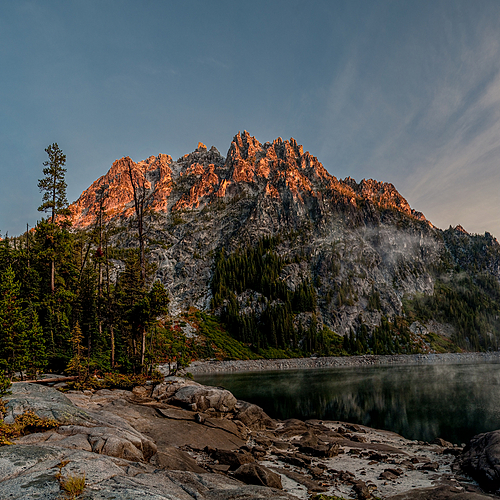
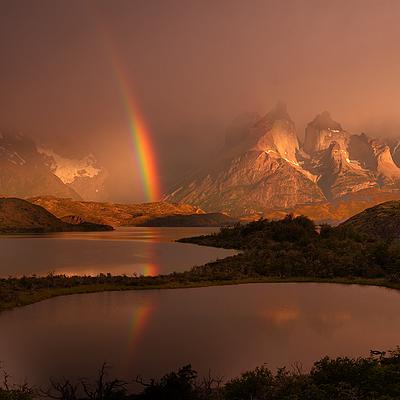
I actually had to move and reshoot several times to get the timing right. When I started working on this shot, the sun was only about a quarter of the way down the power pole.
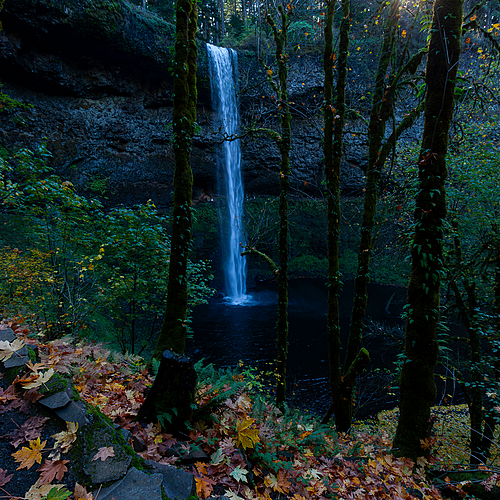
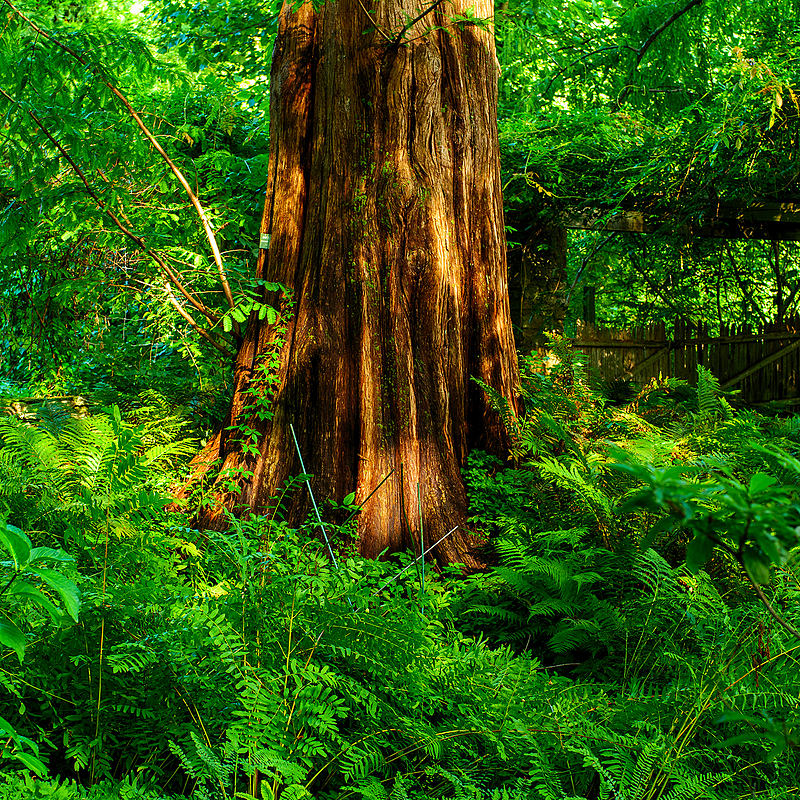
This was taken at Silver Falls State Park. Silver Falls State Park is a state park in Oregon, located near Silverton, about 20 miles east-southeast of Salem. There are so many waterfalls and so much natural beauty in the Oregon/Washington region.
fo-tik wrote:
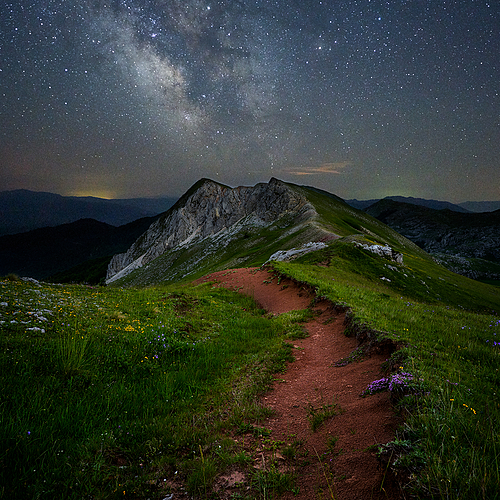
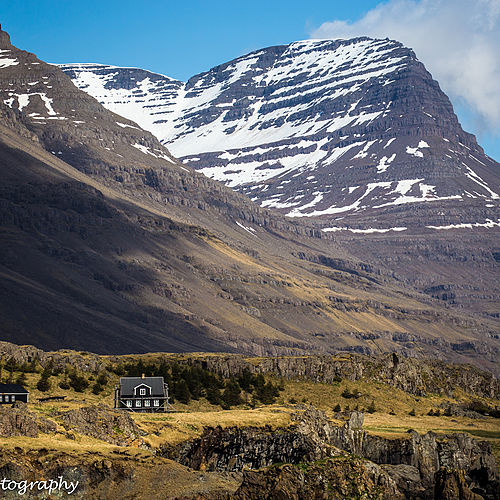
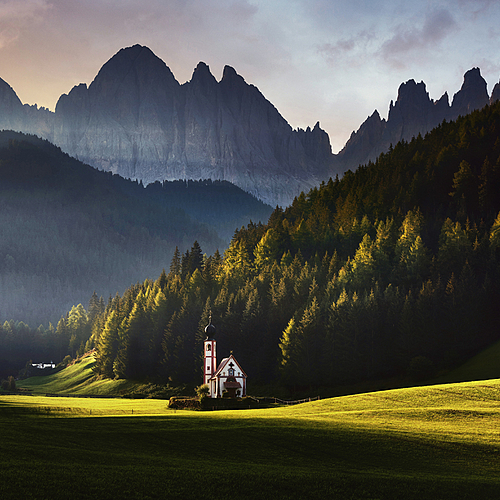
Love Alpenglow! Was this a vacation spot for you, or were you lucky enough to have this place as a 'backyard?' Just curious, did you experiment with tighter crops on the right side?
Lol. This is kind of the back yard in WA state. This up in Snow Lake just before the Enchantments. Camped there the night before heading up. Look up the Enchantments on Google when you get a chance.
BTW, I was air lifted from up there after breaking my foot.
https://www.zeissimages.com/gallery/1/med_U1.1701796291.0.jpg
This was a pano. I should try some cropping.
Thanks for the feedback.
Love Alpenglow! Was this a vacation spot for you, or were you lucky enough to have this place as a 'backyard?' Just curious, did you experiment with tighter crops on the right side?
fo-tik wrote:
JT wrote:
What did you do on the processing? It looks intense. I like it.
I don't like Lightroom so I use Photoshop. Personal preference. I also only adjust 1 or 2 images from a shoot. I don't batch anything. For each color channel: R, G, B, C, M, Y, and each luminosity channel: Highlights, Midtones, Shadows, I adjusted contrast, saturation, brightness.
Normally I lower saturation and raise contrast and brightness, but it's individually done for each channel as necessary. I find I use very little sharpening when adjusting contrast. The last thing is to disable visibility of the Background layer, merge all other layers that are visible, and then turn background layer back on. Stare and compare between background and top layer and adjust opacity of top layer accordingly. Usually down to about 66%. This process seems to add to the already 3D look from Zeiss lenses. But then... I'm annal about stuff like this! B=)
Thanks for sharing!
JT wrote:
What did you do on the processing? It looks intense. I like it.
I don't like Lightroom so I use Photoshop. Personal preference. I also only adjust 1 or 2 images from a shoot. I don't batch anything. For each color channel: R, G, B, C, M, Y, and each luminosity channel: Highlights, Midtones, Shadows, I adjusted contrast, saturation, brightness.
Normally I lower saturation and raise contrast and brightness, but it's individually done for each channel as necessary. I find I use very little sharpening when adjusting contrast. The last thing is to disable visibility of the Background layer, merge all other layers that are visible, and then turn background layer back on. Stare and compare between background and top layer and adjust opacity of top layer accordingly. Usually down to about 66%. This process seems to add to the already 3D look from Zeiss lenses. But then... I'm annal about stuff like this! B=)
thanks for the comments.