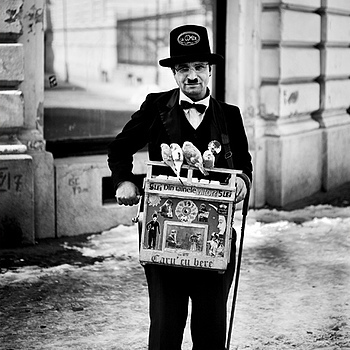
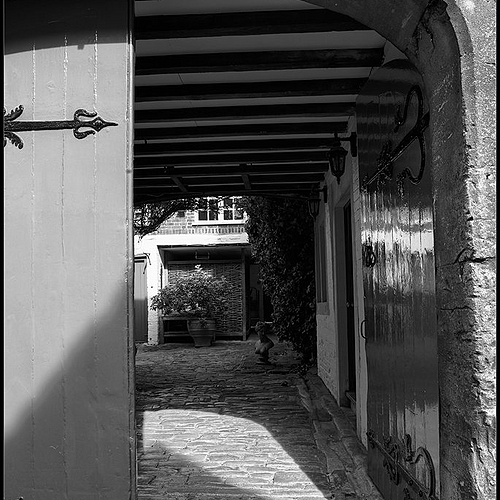
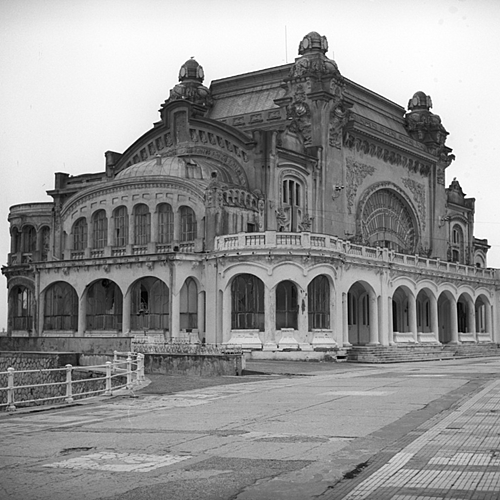
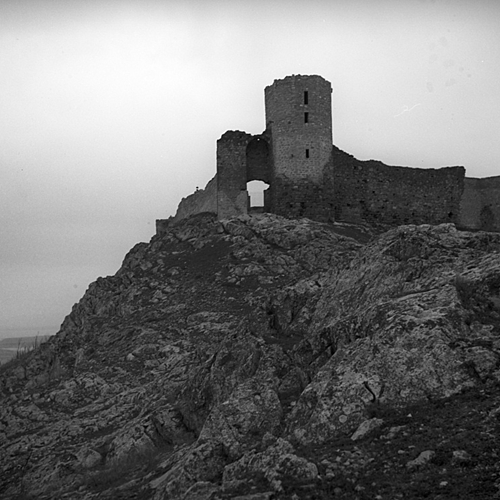
I have many techniques for turning a photo into b&w, but for this one I used a very simple one: I started with a basic channel mixer b&w conversion and I dodged and burned all the details. Sometimes I abuse these tools (dodge and burn) and I think these are by far my favorites in Photoshop.
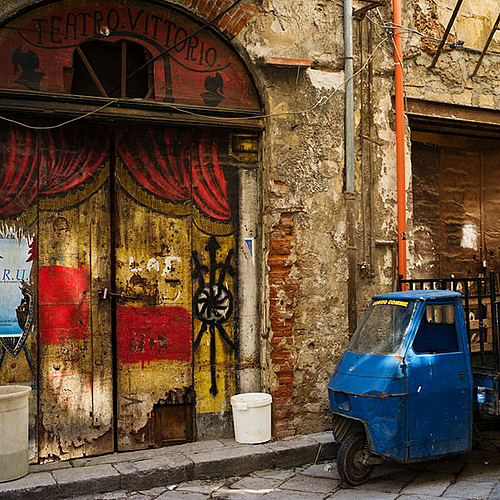
Shot in Lacock Village, Wiltshire, England. Canon EOS 5D Mk.II with Zeiss Distagon T 21mm f/2.8 ZE lens. RAW conversions and Keystoning with DxO Optics Pro 6 ELITE and Tone Mapping with Photomatix Pro Vs. 3.2 software.
I agree, nice image and would agree with zblake re: stray hair. It is all these tiny little details that you have to pay such close attention to if you ever wanted to sell your images. Not trying to teach anyone how to suck eggs, but you must always open an image in Actual Pixels i.e. at 100% and use the Hand Tool to rove around the image. This is exacly what an Agency will do. Regards Stephen
Get your store banner on Zeissimages.com Send us an email to support@zeissimages.com
Support Zeissimages.com — Our community is free for everyone. If you value what we do, you can help cover our server and development costs with a small one time or monthly donation.